Coding for Kids
Teacher's Guide
move_forward()
Syntax
player.move_forward([number of steps])
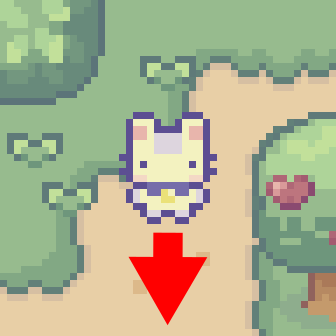
This function is used to have player move forward in the direction they’re facing provided there is not a collision blocking the player’s trajectory. You can assign the amount of steps you would like for this function to repeat or you can leave it blank and it will execute the action only once.
If the function is not provided with any arguments, then it will move the player forward by one step.
Example
player.move_forward(3)
This code will have player move three steps forward in the map.
turn_left()
Syntax
player.turn_left()
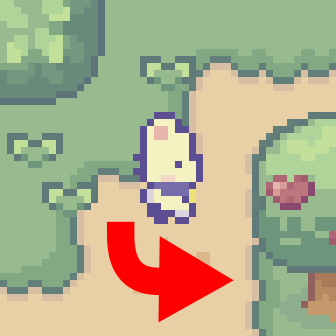
This function is used to have player turn left, altering their direction towards the left of their current direction.
Example
player.turn_left()
player.move_forward()
This code will have player turn towards the left of their current facing direction and move forward in that direction with the follow up code.
turn_right()
Syntax
player.turn_right()
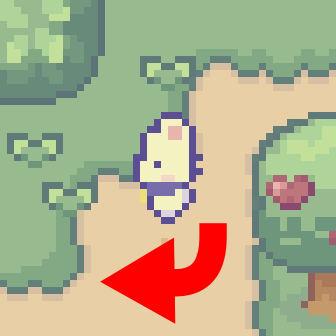
This function is used to have player turn right, altering their direction towards the right of their current direction.
Example
player.turn_right()
player.move_forward()
This code will have player turn towards the right of their current facing direction and move forward in that direction with the follow up code.
push()
Syntax
player.push()
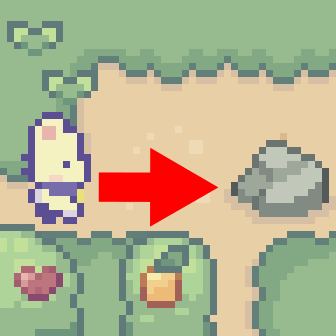
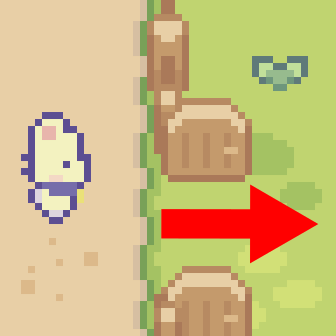
This function is used to have player push an object in the direction he is facing provided there is not a collision blocking object’s trajectory.
Example
player.turn_left()
player.push()
This code will have player turn left and push a movable object in the direction he is facing.
speak()
Syntax
player.speak([string to speak])
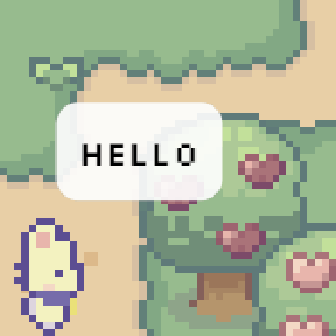
This function is used to have player call out a string that is specified in this function’s argument. In game this is expressed by the string being drawn on screen over the player’s head.
Example
player.speak("Hello World")
This code will have the phrase “Hello World” displayed over the player’s head.
build()
Syntax
player.build([object to build])
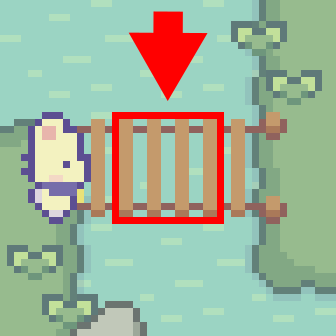
This function is used to have player build an object that is specified in this function’s argument. There is a limited selection of objects that the player can build using this function and there are certain requirements tied to building each object. Objects will be built in front of the player’s facing direction provided the area is not occupied by a different object or the object cannot be built in the type of terrain it’s being built over.
| Object | Cost | Argument | Description |
|---|---|---|---|
| Bridge | 4 logs | "bridge" | Builds a bridge to move across |
| Grain Stack | 4 grain | Class Object Name | Produces as grain stack |
| Wood Road | 4 planks | Class Object Name | Adds a strip of wooden pathway |
| Stone Road | 4 stone | Class Object Name | Adds a strip of stone pathway |
| Big Green house | 4 planks | Class Object Name | Builds Chicken House |
| Small Blue house | 4 planks | Class Object Name | Builds Chicken House |
| Big Orange house | 4 planks | Class Object Name | Builds Chicken House |
| Small Red house | 4 planks | Class Object Name | Builds Chicken House |
Example
player.build("bridge")
This code will have player build a bridge in front of the player in the direction they are facing.
water()
Syntax
player.water()
The function can be used to water objects in game, such as watering crops and refilling water trays. In game this is usually used for farming and homesteading.
Example
player.water()
Using this code the player can water an object in the direction they are facing.
collect()
Syntax
player.collect(string)
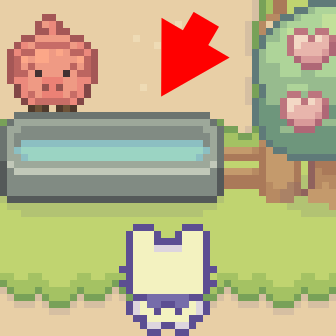
This function is used to collect resources that you can’t claim as part of your inventory. This is usually used to replenish inventory items that can be exhausted, for example filling a canteen with water.
Example
player.collect("water")
player.turn_left()
player.water()
This code will have the player collect water from a water source they are facing, then turn left to water an object.
open()
Syntax
player.open()
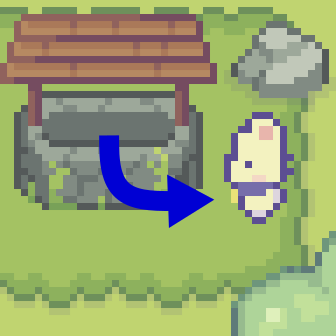
This function is used to open doors and containers, this can be useful for crossing entryways or opening containers to pick up or place objects.
Example
player.turn_left()
player.open()
player.move_forward()
This code will have player turn left to open a door and then cross through it.
close()
Syntax
player.close()
This function is used to close doors and containers, this can be useful for closing doors behind you or closing a container after you’ve placed something inside.
Example
player.open()
player.collect("item")
player.close()
This code will have player open a chest, pick up an item and then close the chest afterwards.
place()
Syntax
player.place(object)
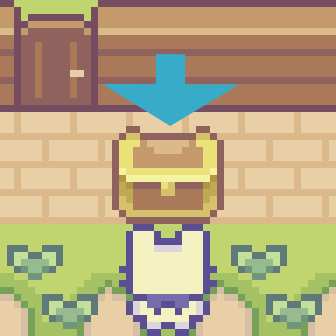
This function is used to place and object, item or variable in a location where objects are allowed to be placed. This is usually used to store items in a container or setting down objects in specified locations.
Example
wheat = 6
player.place(wheat)
This code illustrates player storing a number inside a variable named wheat and then the place() function being used to place the variable in a designated location.
combine()
Syntax
player.combine(mixture)
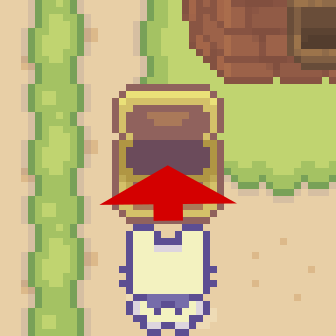
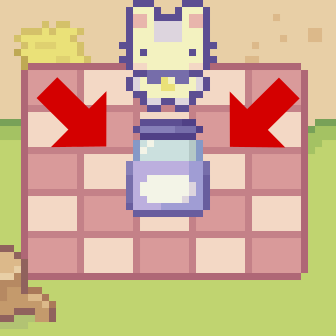
This function is used to have player combine different object together to produce a brand new object. This is usually used to combine ingredients to make food, drink or substances.
| Combination | Ingredients |
|---|---|
| Radish Dressing | 3 milk, 2 cream, 3 lettuce, 5 radish |
| Fruit Juice | 1 water, 1 empty jar, 1 orange, 1 peach, 1 pear, 1 apple |
| Grape Juice | 1 grape, 1 empty jar |
| Berry Milk | 1 milk, (1 red berry or 1 strawberry) |
| Salad | 2 carrot, 2 tomato, 6 lettuce, 2 cucumber |
Example
player.combine(jar)
This code will have player take everything in a list named “jar” and combine them to form a new item/object.
plant()
Syntax
player.plant(dictionary,key)
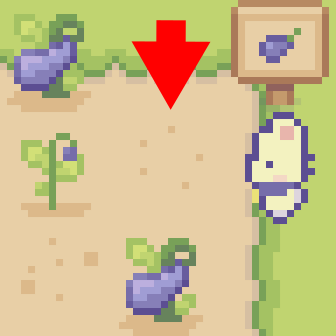
This function is used to plant objects in the ground, this is usually reserved for planting crops. This function uses dictionaries, it takes 2 arguments, the name of the dictionary and the dictionary key.
Example
player.plant(seeds, "Eggplant")
player.water()
In the above code the player plants eggplant seeds in the soil and then waters them.
write()
Syntax
await player.write(message)
Allow a message to be displayed, this is an async function that allows a pop up to show a message that is loaded to the function. Program is paused until the message is closed.
Example
await player.write("Hello World")
In the above code a popup message is displayed with the message "Hello World" pausing the program until the player closes the message.
read()
Syntax
await player.read()
Allow a message to be displayed, this is an async function that allows a pop up to show a message that has been pre-recorded in the level. Program is paused until the message is closed.
Example
await player.read()
In the above code a popup message is displayed with a pre-recorded message manually embeded into the level, pausing the program until the player closes the message.
question()
Syntax
await player.question(question)
Allow a message to be displayed with a yes or no question, this is an async function that allows a pop up to show a message provided and produces a Boolean variable based on input.
Example
async def question_function():
  answer = await player.question("Question you would like to ask")
  if answer:
    # Actions to take if answer is Yes
  else:
    # Actions to take if answer is No
In the above code a popup message is displayed with a question with yes and no buttons, pausing the program until the player makes a selection.
display()
Syntax
await player.display("message")
Allow a message to be displayed, this is an async function that allows a pop up to show a message that has no pre-recoded data. This is meant to be used to display raw data that can’t properly scripted. Program is paused until the message is closed. When set up internally, no scripted content can be included as to allow it to display anything.
Example
await player.display("Whatever I want to put here")
In the above code a popup message is displayed with whatever message you put in regardless of what it is. In this case it displays "Whatever I want to put here" .